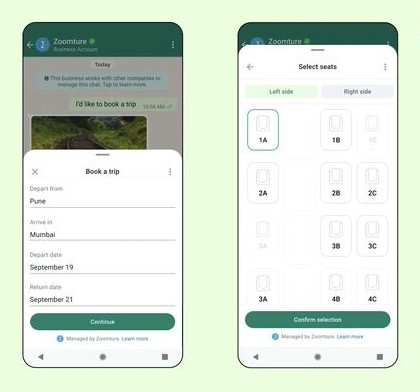
Chatspire WhatsApp Webviews
Open Interactive Web Pages Inside WhatsApp Conversations
Chatspire WhatsApp Webviews allow businesses to display interactive web pages directly inside WhatsApp chats. Instead of sending customers to external browsers, you can open forms, product pages, booking interfaces, or payment pages within the chat experience.
This keeps users engaged while completing actions quickly — improving conversions and simplifying customer journeys.
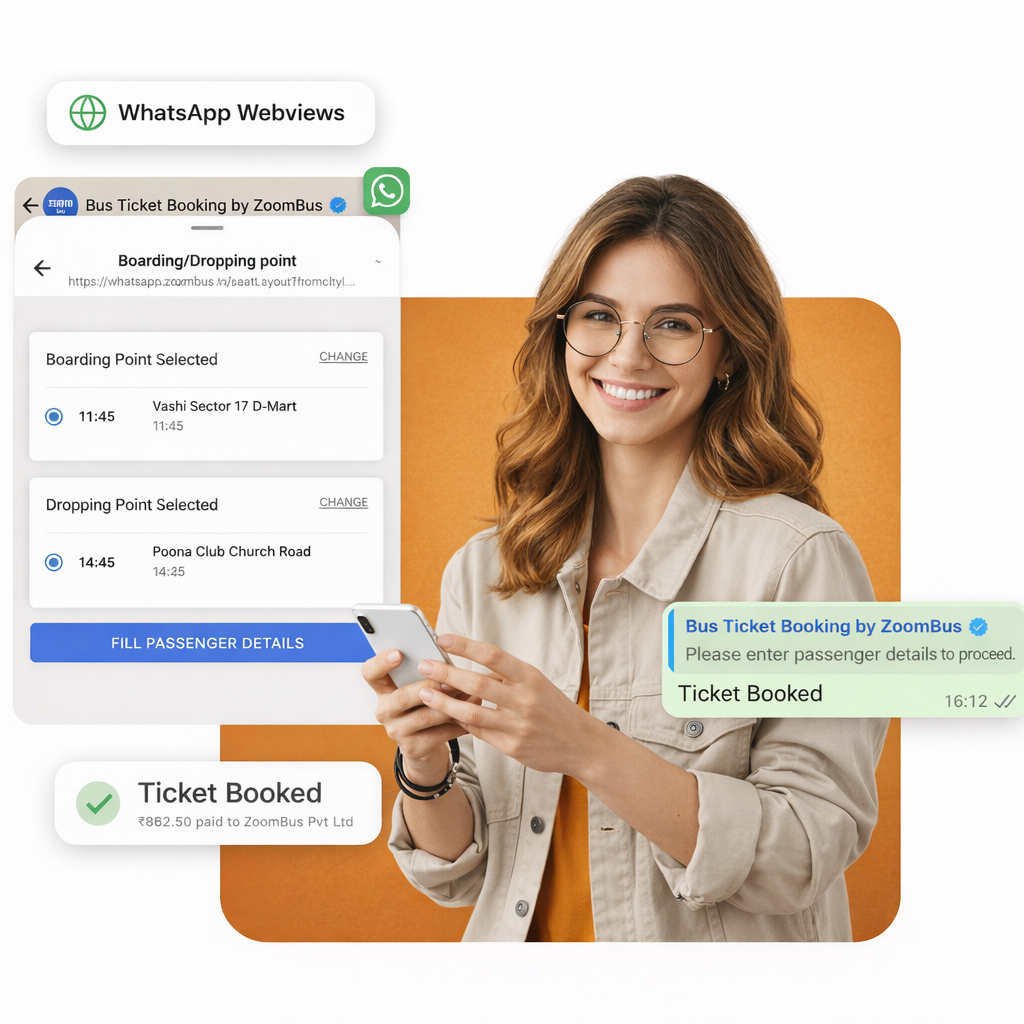
What are WhatsApp Webviews?
WhatsApp Webviews are embedded web pages that open inside a WhatsApp conversation. They allow businesses to display rich interactive content such as forms, catalogs, checkout pages, or booking systems without forcing users to leave the chat.
With Chatspire Webviews, you can combine automation with interactive web experiences to guide customers through complex tasks smoothly.
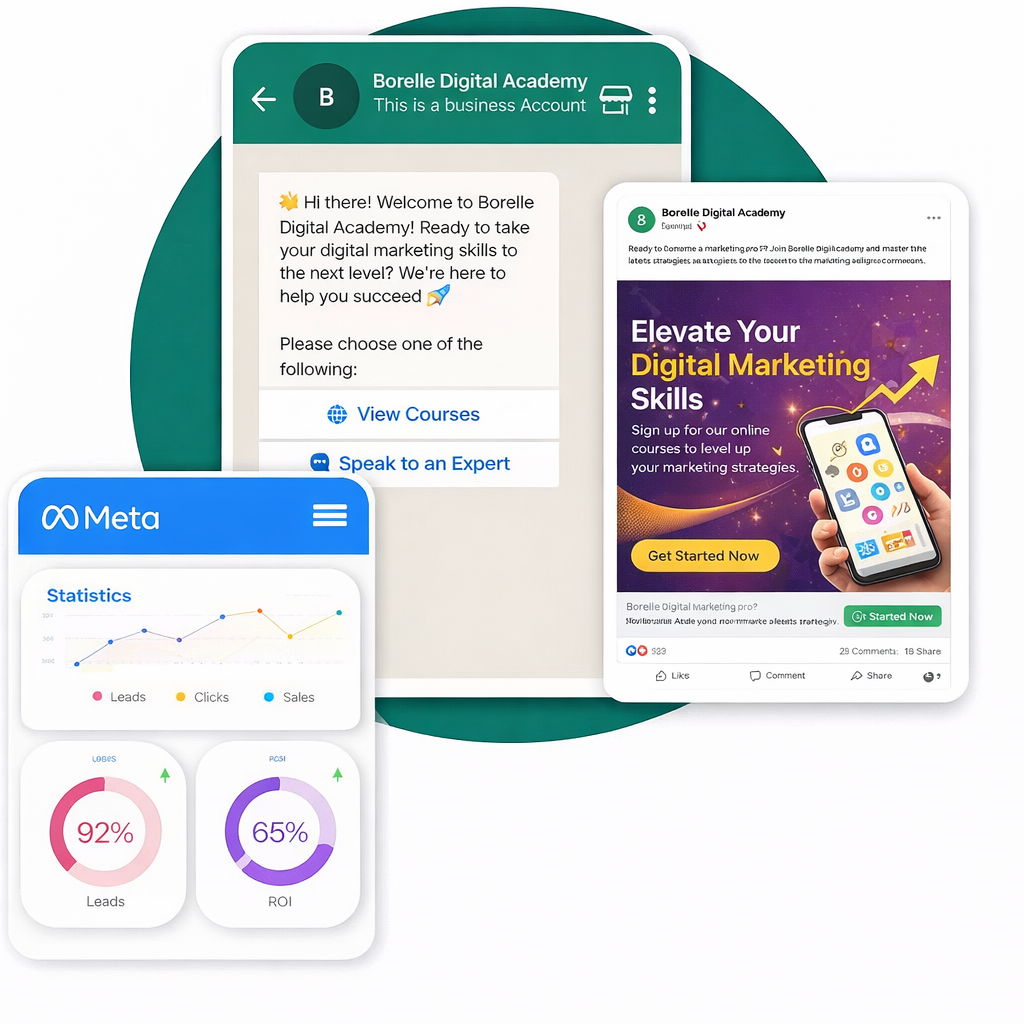
Why Use Chatspire WhatsApp Webviews?
Chatspire Webviews make WhatsApp conversations more powerful by enabling interactive actions directly inside chat.
Key advantages include:
- Reduce friction in customer journeys
- Keep users inside WhatsApp while completing tasks
- Create smooth product browsing or booking experiences
- Improve conversion rates by simplifying interactions
- Combine chat automation with web functionality
This allows businesses to offer a seamless experience without losing users to multiple redirects.
Create an Interactive Web Page
Design a custom web page such as a product list, booking form, or checkout interface for users to interact with.
Trigger the Webview in Chat
Chatspire sends a message with a button that opens the webview directly inside the WhatsApp conversation.
Customer Completes the Action
Users can browse products, fill forms, make selections, or submit requests seamlessly within the webview.
Capture Data & Continue the Conversation
Once the action is completed, the data is captured and the chatbot automatically continues the conversation.
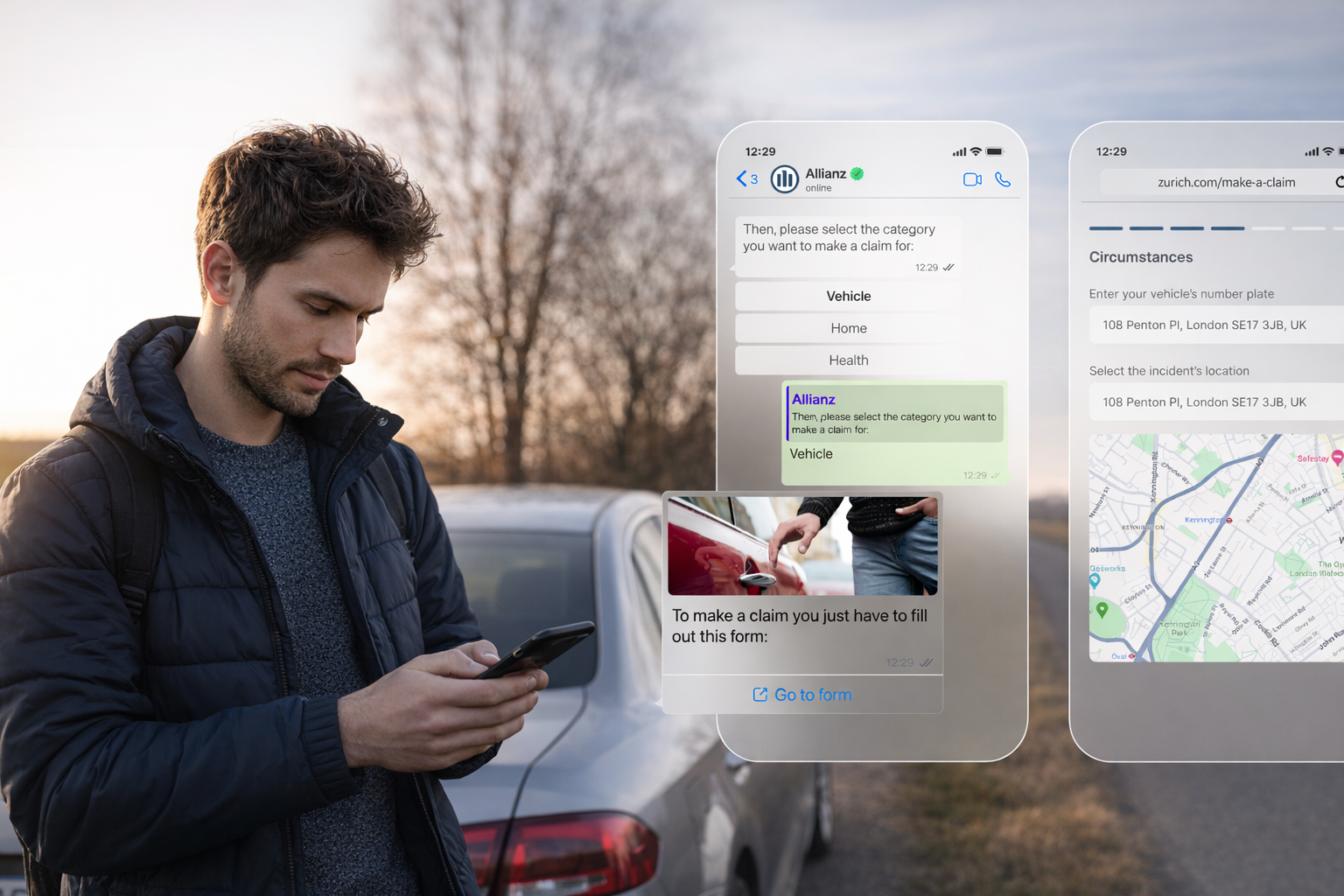
Powerful Use Cases
Interactive WhatsApp flows help businesses guide users through structured experiences, making browsing, bookings, and transactions smoother.
E-commerce Product Browsing
Allow customers to explore products, categories, and variants through a structured interface directly within WhatsApp, making product discovery simple and convenient.
Appointment & Service Booking
Enable users to select available dates, preferred time slots, and service types easily, simplifying appointment scheduling through guided interactions.
Detailed Lead Forms
Capture complex customer information that requires multiple fields such as business details, requirements, or preferences through structured form flows.
Event Registrations
Allow users to register for webinars, workshops, and events through an interactive form experience that collects all necessary attendee information.
Payment & Checkout Flows
Guide customers through smooth checkout journeys where they can review details and complete payments without leaving the WhatsApp conversation.
Customer Onboarding
Collect essential user information during onboarding such as profile details, preferences, or verification data through guided interactive steps.
Why Webviews Improve Customer Experience
| Traditional Chat Flow | Chatspire Webviews |
|---|---|
| Limited chat interaction | Rich interactive interface |
| Multiple redirects | Opens inside WhatsApp |
| Manual data entry | Structured input fields |
| Slow processes | Faster user completion |
Make WhatsApp Conversations More Interactive
With Chatspire WhatsApp Webviews, businesses can:
• Create richer customer experiences
• Collect detailed user inputs easily
• Simplify booking and purchasing journeys
• Improve engagement and completion rates
Turn simple WhatsApp chats into powerful interactive workflows with Chatspire.